


Indoor LED Displays South Africa: When Static Signs Fail
A printed banner in a Sandton lobby does one job. It says the same thing on Monday morning as it did on the day it went up, and within a few months most people have stopped reading it. For corporate offices, franchise outlets and event venues across Gauteng, that gap is becoming expensive. Indoor LED displays in South Africa can rotate promotions, show live schedules and push a safety message across a building in seconds. This guide explains when a static sign is no longer enough, how to judge whether an LED screen fits your space, and where it is the wrong choice.
Table of Contents
- Quick Takeaways
- Why Static Signs Stop Working Indoors
- Where Indoor LED Displays Earn Their Place
- Fixed Installations Versus Rental Units
- Pixel Pitch, Brightness and Viewing Distance
- Comparing Static, LCD and LED Indoor Displays
- Content Management and Scheduling
- Installation, Power and Brand Compliance
- Mistakes That Waste an LED Budget
- Frequently Asked Questions
- References
Quick Takeaways
| Key Insight | Explanation |
|---|---|
| Switch when the message changes often | If you change promotions more than a few times a year, reprinting panels and visiting site to install them usually costs more than one screen running the same content. |
| Use LED where the room is bright and busy | Indoor LED holds its impact in reception areas and retail floors where print gets lost among other visual noise. |
| Pixel pitch follows viewing distance | Measure how far people stand from the screen, then choose the pitch for that distance rather than the cheapest quote. |
| Rent for short campaigns only | Event venues and pop-up retail often need a screen for weeks, not years. Permanent lobby walls should be bought. |
| Plan power backup before the quote | Scheduled power cuts can take a screen offline mid-campaign, so the UPS and restart behaviour must be specified at the start. |
| Lock franchise content to brand templates | Approved templates let outlet staff update offers without producing off-brand graphics that the head office has to chase down. |
Why Static Signs Stop Working Indoors
Static signage rests on a simple promise: the message is fixed, cheap to produce and easy to install. That promise breaks the moment your offer, opening hours or brand guidelines change faster than you can reprint. In most corporate lobbies and franchise outlets we work with, the sign on the wall is a record of a previous campaign.
Software comparisons such as the one published by Navori describe digital signage as a mix of hardware, a screen of some type and software that delivers live content. The screen can be LED, LCD or another format. The distinction matters indoors because a printed panel has none of those layers, so any change needs a print run, a site visit and someone with a ladder.
Three ways a printed sign loses value
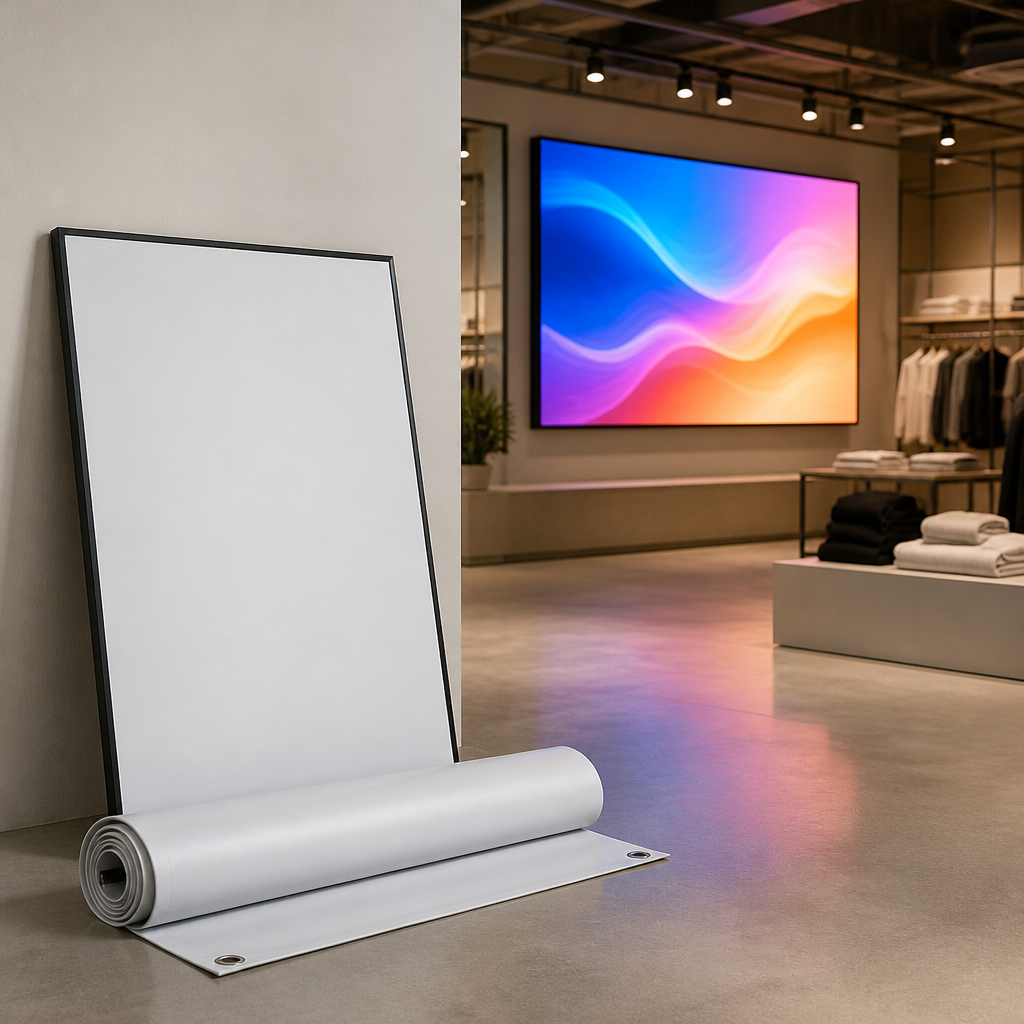
The first is lag. A new promotion can take a week or more to reach the wall once design, approval and printing are finished, and by then the offer may be over. The second is attention. Viewers tune out a sign they have already seen, and a fixed message does nothing to pull the eye back to it.
The third is compliance. When a franchise changes its logo, every outlet's print file has to be recalled and replaced, and some outlets lag behind for months. A screen with locked templates can push the update to every location from one place.
When a static sign still wins
Static signs are not obsolete. A permanent directional sign, a statutory notice or a brand plate on an outside wall rarely needs to change, and a screen would only add cost and a power requirement. The mistake is treating every sign as if it needed to be dynamic. Use LED where content moves and keep print where the message is stable.
Where Indoor LED Displays Earn Their Place
Indoor LED displays earn their cost where the audience is busy, the space is bright and the content changes often enough to matter. Three environments fit that profile best: corporate reception areas, retail floors and hospitality venues. Each has a different job for the screen, so the same product is specified very differently in each case.
Reception walls and lobby feature screens
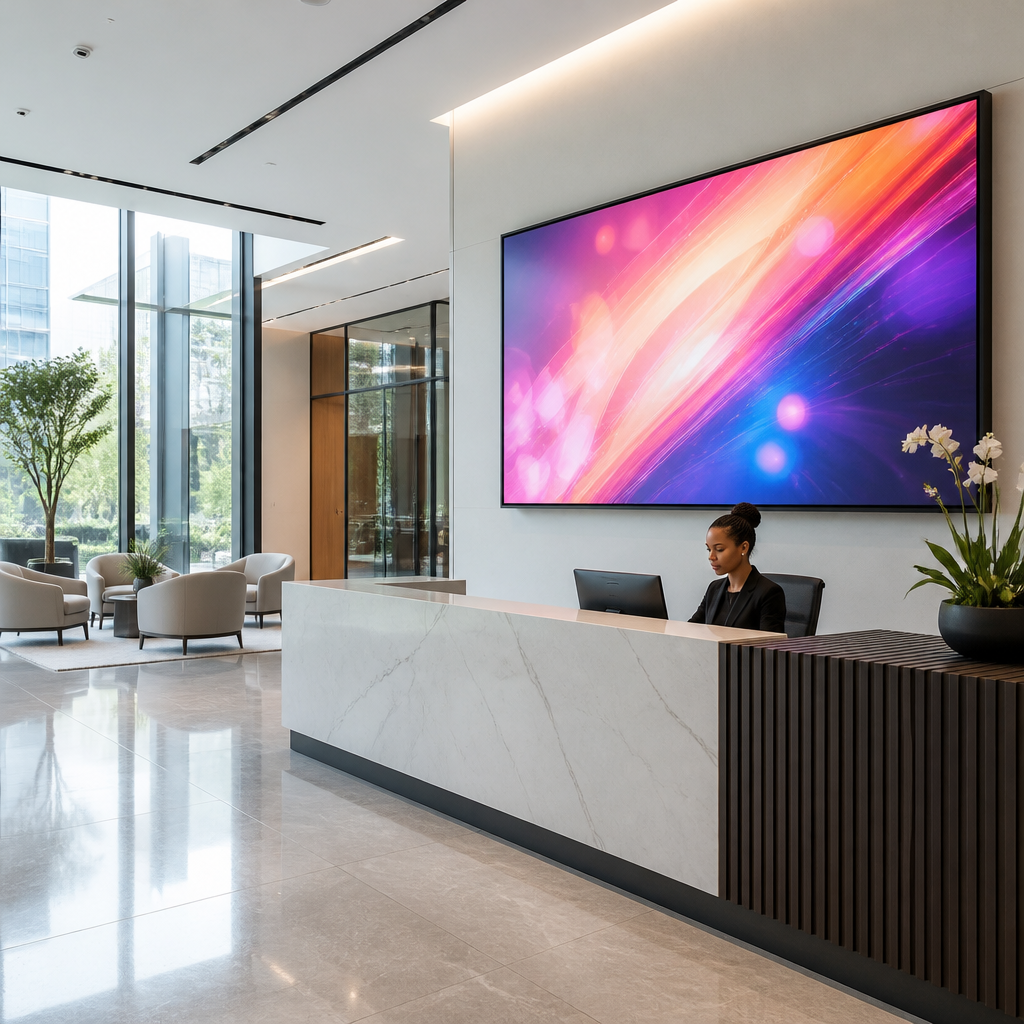
A corporate reception is the first impression a client gets, and a large LED wall can carry a welcome message, a company news feed or a rotating set of divisional highlights. A manufacturer's overview of LED displays lists a strong first impression and the ability to make a bigger statement with multiple displays among the main business benefits. In practice, one well-placed screen at the reception desk does more for a visiting client than three framed plaques.
Keep the lobby loop short. Visitors in a waiting area glance at a screen for a few seconds at most, so the opening frames should carry the brand and the key message, not a long corporate presentation.
Showrooms and retail floors
Retail is where LED pays back fastest. A showroom screen can show product demonstrations, stock availability and promotional pricing that changes through the day. Because the content is separate from the hardware, one display can serve three different campaigns in a month without a single new print run.
Brightness is the constraint. A screen facing a shopfront competes with daylight, while a screen inside a store does not. Specify for the light your store actually has, not for the brightest option in the catalogue.
Hotels, restaurants and fitness centres
Hospitality operators use screens for menus, event listings and wayfinding, and they change them constantly. A restaurant can switch from breakfast to dinner menus on a timer, and a hotel can show conference room schedules without staff touching the display. Fitness centres use screens for class timetables and member challenges that refresh weekly.
A screen that cannot be updated in an afternoon is just an expensive poster.
Fixed Installations Versus Rental Units
The first commercial decision is whether to buy a screen or rent one. Material on indoor advertising displays notes that indoor units can be set up on a fixed or rental basis, and the choice depends mostly on how long you need the screen. A permanent lobby wall should be bought. A screen for a three-month exhibition or a product launch usually should not.
When a rental unit makes sense
Event venues and pop-up retail are the clearest cases for renting. A conference that runs for four days, or a retail activation over one season, does not justify a capital purchase and a removal plan at the end. Renting also lets you test whether a screen changes behaviour in your space before you commit to a permanent installation.
The trade-off is continuity. A rented unit may not match the bezel size, colour profile or mounting points of your permanent displays, so treat rental as a short-term decision only when the venue is genuinely temporary.
Contract terms to read before you sign
Read what happens when a screen fails. Ask who replaces a dead module, how long a repair takes and whether the rental includes the media player and content software or only the panel. Ask about removal and making good the wall, because a rental that leaves holes in a historic building becomes a dispute.
Pro tip: Ask the supplier to put content hosting and the software licence into the same agreement as the hardware. Separate contracts often leave you paying for a screen that has nothing to play.
Pixel Pitch, Brightness and Viewing Distance
Two specifications decide whether an indoor LED display looks sharp or disappointing: pixel pitch and brightness. Pixel pitch is the distance between the centres of neighbouring LED pixels, and a smaller pitch means more pixels per square metre. Most buying mistakes come from choosing pitch by price rather than by the distance from which people will read the screen.
Matching pixel pitch to viewing distance
Stand where a visitor would stand and measure. A screen read from a metre or two needs a fine pitch, because coarse pixels show as a visible grid. A wall read from across a lobby or a function room can use a coarser pitch and save money without losing legibility.
Content also matters. Text-heavy menus need finer resolution than large brand graphics, so set the pitch for the smallest text you will show, not the largest logo.
Brightness and glare indoors
Indoor panels are designed for lower brightness than outdoor units. Specifying an outdoor-level panel for an interior wall causes glare and washes out colour at close range. The right target is the ambient light in the room at its brightest hour, which in a reception with floor-to-ceiling glass can be considerable.
Check the screen in the actual room before the purchase order. A demonstration at the venue reveals reflection and glare problems that a spec sheet never shows.
Pro tip: Photograph the space at the time of day when the screen will be used most, then bring those images to the supplier. It makes the brightness and pitch conversation far more accurate.
Comparing Static, LCD and LED Indoor Displays
No single format wins everywhere, so compare the three realistic options against the jobs they have to do. Printed signs are the cheapest per message but the slowest to change. LCD screens suit small, close-viewing spaces, while LED displays carry the most weight in large, bright or wide-viewing spaces.
| Option | Where it works best | Where it fails |
|---|---|---|
| Printed static sign | Permanent wayfinding, statutory notices and brand plates | Any content that changes more than a few times a year |
| LCD video screen | Small reception desks, meeting room doors and close viewing | Very large walls, where several panels become costly to align |
| Indoor LED display | Large lobby walls, bright retail floors and event venues | Small budgets for short campaigns with no content plan |
The LED column looks most expensive on the quote, but compare total cost over the life of the sign. A printed panel reprinted several times a year, with a site visit each time, can end up costing more than one screen running the same period. Be honest about your content calendar, though. If you genuinely change the message once a year, print is still the right answer.
Content Management and Scheduling
The screen is only as useful as the system that feeds it. Digital signage software lets staff schedule, edit and publish content, and it runs either from the cloud or from a local server managed by your team. Navori notes that some products are delivered as software as a service while others require a local server, and that choice changes who can update content and how quickly.
Cloud or local content management
Cloud platforms suit multi-site businesses. A franchise head office can push one promotion to dozens of outlets and see which screens are offline from a browser. Local servers suit sites with unreliable internet or strict data rules, but they need someone on staff who can maintain them.
Pick the model based on who will actually log in on a Tuesday afternoon, not on the feature list in the sales deck.
Scheduling by time of day
Scheduling is where most of the value sits. A breakfast menu should disappear at 11am, a corporate welcome message should run during office hours and a conference agenda should switch on the morning of the event. Build a daily schedule for each screen, then review it every quarter, because schedules set once tend to run unchanged for years.
Emergency messaging belongs in the same system. Kitcast's guide to corporate signage software notes that emergency alerts can override scheduled content across every screen at once, which matters where staff may not see an email in time.
Installation, Power and Brand Compliance
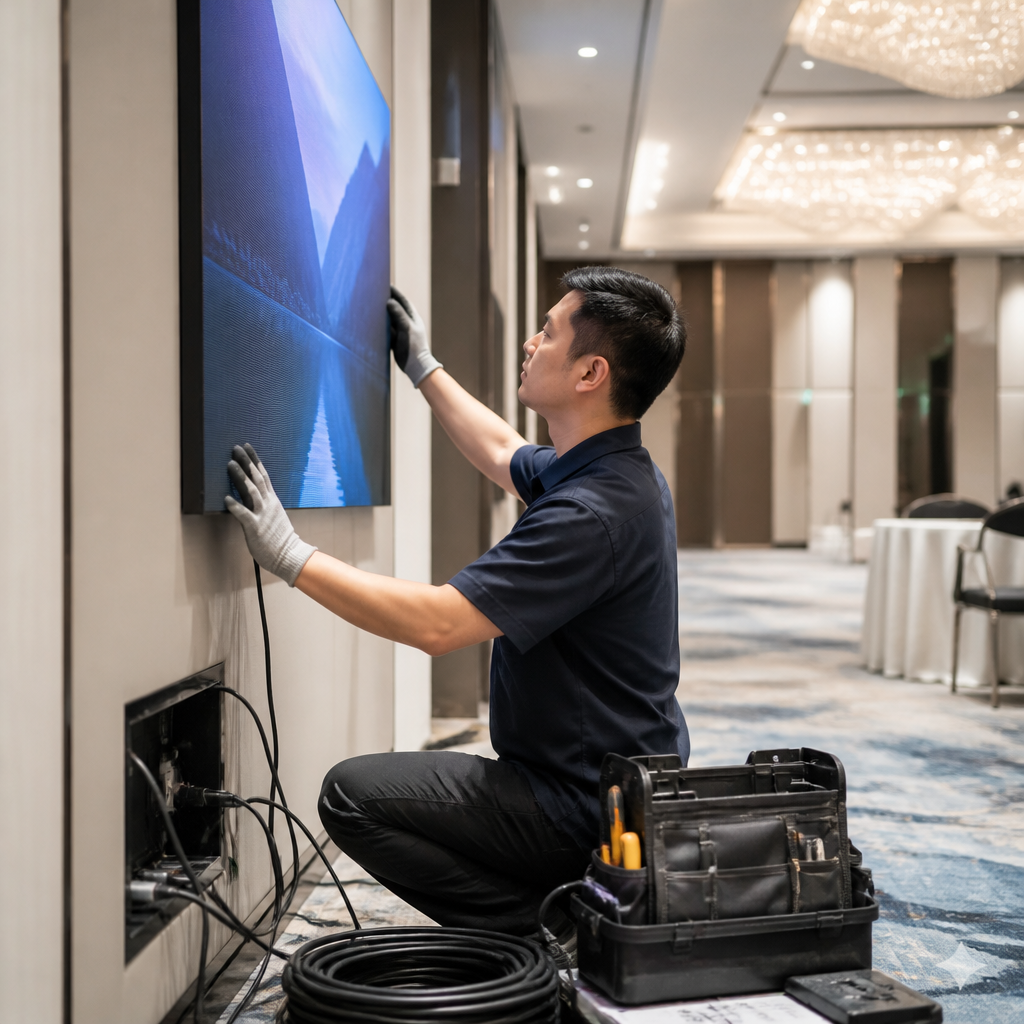
Installation is where good designs get compromised. The screen, the player, the cabling and the power supply all need to be planned together, and most delays come from one of them being added late. Specify these elements in the quote, not after the screen has arrived on site.
Mounting, cabling and media players
Some LED systems use a separate media player, while others run content on a computer built into the display. Navori describes the trend toward system-on-chip displays that embed the computer, which reduces visible wiring and the number of devices to protect. Fewer boxes behind a wall means fewer points of failure and less for a technician to troubleshoot.
Plan power backup as part of the same discussion. Power cuts, locally known as load shedding, can take a screen offline in the middle of a campaign, so ask whether the circuit can sit on a UPS and how the player restarts when power returns.
Keeping franchise content on brand
Brand control is the reason many franchisors buy screens at all. Build locked templates with approved logos, colours and typefaces, so outlet managers can change the offer without touching the brand. Restrict who can publish and keep an audit trail, because one off-brand graphic on a screen is easier to correct than one that has already been printed and shipped to thirty outlets.
Pro tip: Give each outlet a small set of pre-approved templates and one named approver for new content. Networks that try to approve every change centrally often end up with screens showing last month's promotion.
Mistakes That Waste an LED Budget
Most failed indoor LED projects were not technically broken. They were bought without a content plan, sized for the wrong room or installed without anyone owning them afterwards. These mistakes are common enough to be predictable, and all of them can be avoided at the quote stage.
Buying resolution you cannot see
A fine pitch looks impressive in a showroom but adds cost when the screen sits across a lobby from the people who need to read it. Buy for the viewing distance you measured, then spend the difference on better content and a proper player. A sharp screen with weak content is still a weak screen.
Running one screen with no content plan
A screen switched on with a single slide and no update schedule becomes invisible within weeks. Assign an owner, a monthly content calendar and a list of approved content categories before the screen goes live. Visitors stop noticing a display that never changes, which defeats the purpose of buying one.
Pro tip: Hold a fixed monthly content review and keep a short folder of evergreen brand graphics and welcome loops. These fill the gaps when a promotion ends early or a sales push falls through.
Frequently Asked Questions
How much does an indoor LED display cost in South Africa?
Pricing depends on screen size, pixel pitch, the media player, installation and whether you buy or rent. Ask for a quote that lists each of these separately, because a low headline price often excludes the content software and mounting. Compare quotes on the same specification.
Is an LED screen better than an LCD screen for a reception area?
It depends on the size of the wall. LCD suits smaller desks and close viewing, while LED works better on large walls that need to be read from further away. If the wall is more than a few panels wide, LED is usually the better fit.
Can I manage the content myself or do I need a designer?
Most businesses can run simple schedules in-house once the templates are set up. Pay a designer at the start to build brand templates, then your staff can update offers without outside help. Keep one named person accountable for the screen.
What happens to the screen during a power cut?
A screen without backup goes dark, and the player may need to restart when power returns. Plan a UPS for the player and display circuit, and confirm that the content resumes automatically. Test this before handover.
Can an indoor screen be used for emergency messages?
Yes, provided the software supports alert overrides. An emergency message can take over every screen at once, which is useful in buildings where staff do not read email during a shift. Test the alert process with your team so everyone knows what a message means and what to do.
Have you replaced a static sign with an indoor screen, and what about cost, content or installation surprised you most?
References
- Corporate digital signage software guide for 2026
- Comparison of digital signage software, hardware and screen types
- Benefits of indoor and outdoor LED screen advertising
- Five business benefits of next-generation LED displays